Why ChatGPT Can Feel Less Capable: What to Check
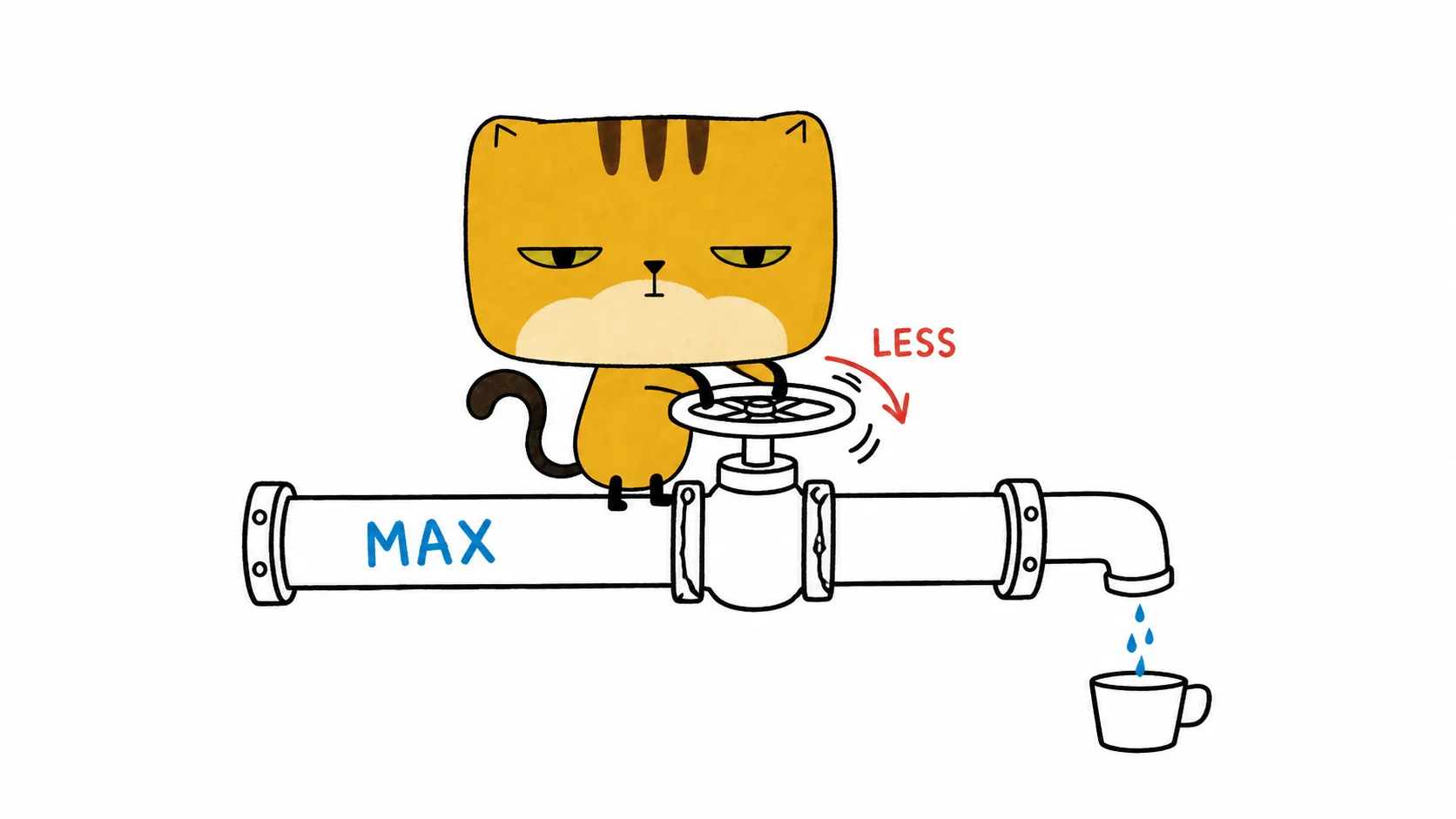
ChatGPT can feel less capable without giving you enough evidence to explain why. A fast answer, a shorter explanation, or a model claiming to be a smaller model does not establish a hidden downgrade. Start with the selected model, reasoning effort, conversation context, and results on the same task.
In my sessions, I have seen answers arrive unusually quickly or miss steps I expected the model to check. Those are observations about output. My earlier version of this article treated several possible explanations as known mechanisms; I could not substantiate those claims.
Documentation checked October 3, 2026. The checks below distinguish documented controls from my interpretations; they do not reveal ChatGPT’s internal routing decisions.
Check the selected model and reasoning effort
Record what the product’s model picker shows before running the task. If you are using Codex, also record the model and effort confirmed by the session. A model name generated inside an answer is not independent telemetry about the request that produced it.
OpenAI’s model guidance describes model selection and reasoning effort as separate choices. Higher effort can help with difficult work while taking more time and usage. That does not mean every answer should take the same time.
The API reasoning documentation also describes adaptive reasoning: simpler tasks can use fewer tokens even at a higher effort. That is documented API behavior, not proof that a particular ChatGPT request followed the same route. An instant response alone cannot tell you whether a smaller model answered or how much reasoning occurred.
Separate a poor result from a routing hypothesis
Hidden routing, account restrictions, service load, and changed defaults are possible explanations people discuss when answers deteriorate. A transcript by itself cannot identify which explanation applies.
Before attributing the change to infrastructure, repeat the task in a fresh conversation with the same prompt, attachments, selected model, and effort. Keep the product surface constant: a ChatGPT conversation and an API request are different test conditions.
Record a visible warning or limit if one appears. If it does not, describe the result you observed rather than turning the absence of a warning into evidence of a secret restriction.
Treat reported Juice values as a weak clue
I recorded reported Juice values for GPT-5.6 Sol, Terra, and Luna because they sometimes varied alongside reasoning time. The numbers came from model responses, not an official measurement interface. Some replies were inconsistent or uninterpretable.
A lower reported number may suggest a configuration difference worth investigating. It cannot establish that an account was downgraded, explain an IP-based restriction, or prove how much usable reasoning budget the request received.
The same limit applies when a model refuses to report a value. A refusal does not demonstrate that OpenAI changed an internal allowance. Check whether task results changed before drawing a conclusion from diagnostic text.
When an answer seems to stop thinking early
An answer that omits checks or jumps to a conclusion can feel unfinished. It is tempting to say the service interrupted the reasoning, but the visible answer does not show where or why that happened.
Inspect the failure itself. Did the model miss a constraint, lose information from earlier messages, skip a tool result, or simply make a wrong inference? Ask for the missing check and compare its result with a fresh run. These observations are more actionable than guessing how an internal scheduler behaved.
Use a small repeatable test before calling it a downgrade
Choose a task with a result you can verify: a patch that passes hidden tests, an extraction with known fields, or a calculation with a reference answer.
- Save the prompt, input files, expected result, product surface, model, effort, and date.
- Run it several times in fresh conversations. Keep the conditions fixed.
- Compare correctness and omissions alongside elapsed time. A faster correct answer is useful; a fast wrong answer needs investigation.
- Change one variable at a time. More effort, a different model, or a shorter context should be separate comparisons.
My custom LLM evaluation guide explains hidden checks and variance. In a separate eight-task Claude comparison, I used identical prompts and stated the one-run limit instead of treating a small sample as a universal ranking.
If repeated, controlled runs get worse, save the examples and report the regression with those conditions. That establishes a performance problem worth investigating. It still does not, by itself, establish the mechanism behind it.