AI Workflows: How to Choose Models and Agents

When I choose a model, I start with a more practical question: which model, agent boundary, and verification step make this particular job safe and affordable? A good AI workflow answers that question before it sends a prompt.
This guide lays out a practical framework for building one. It covers five connected decisions: model selection, agent and subagent design, cost and efficiency, evaluation methods, and practical experiments. Public leaderboards and model prices can inform each decision, but they cannot make the decision for you.
What an AI workflow has to define
A single prompt can look impressive in a demo and still fail in production. Real work has inputs that are incomplete, tools that return errors, files that need changing, and a person who has to decide whether the result is acceptable.
An AI workflow makes those edges explicit. It defines:
- what the task is and what “done” means;
- which model or agent is allowed to act;
- which tools and files are in scope;
- how much time and money the task may consume;
- what checks run before a person accepts the result.
That structure changes how model comparisons should be read. A model that wins a broad benchmark may be a poor default for a small, repeatable task. A cheap model is sensible when a test suite can catch its mistakes; the same choice becomes expensive when every failure needs a senior engineer to investigate.
Choose a model by task risk
Start with the task, not the model name. Four questions usually tell you more than a leaderboard rank:
- How ambiguous is the request? A clear file edit is easier to route than a vague architectural change.
- How costly is a wrong answer? A typo in a draft and a broken payment flow should not use the same acceptance bar.
- Can a check detect failure automatically? Tests, schemas, type checks, and diffs make cheaper execution safer.
- How much context does the task need? Large repositories and long investigations can make a nominally cheap run expensive in practice.
This produces a useful routing rule:
| Task shape | Sensible default | Required guardrail |
|---|---|---|
| Bounded, repeatable edit | Lower-cost model | Tests or a narrow diff |
| Multi-file change with clear requirements | Mid-tier model | Build, tests, and review |
| Ambiguous design or high-consequence change | Strongest practical model | Human approval and rollback |
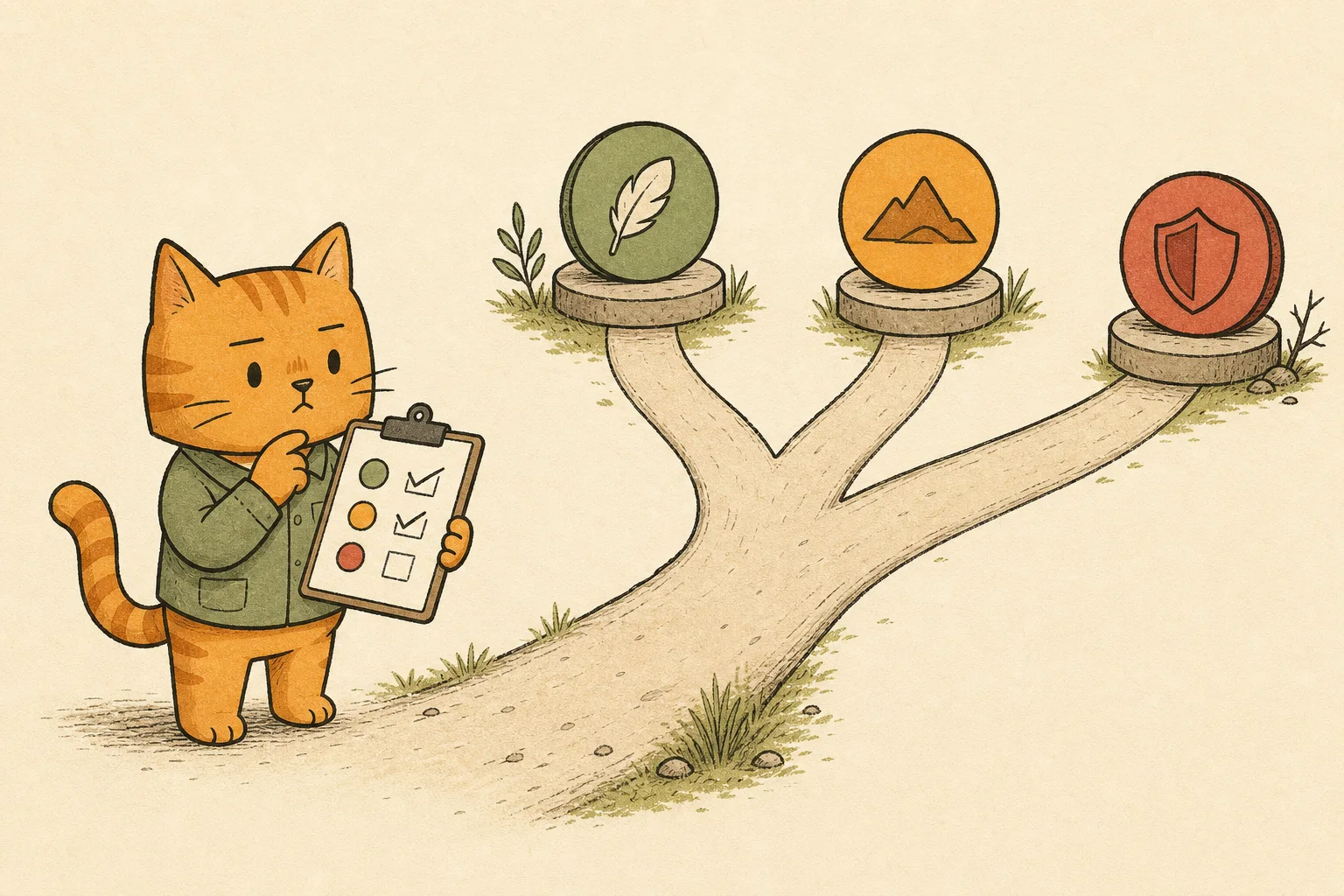
The table is deliberately boring. A routing policy should be easy to explain to another person and easy to change when evidence changes. In my GPT-5.6 comparisons, the useful conclusion was more specific: the tiers trade coverage, latency, and cost in different ways. The Sol, Terra, and Luna comparison is a worked example of that approach.
Give agents bounded jobs
An agent becomes part of a workflow only when its job has a boundary, an acceptance test, and a clear owner for a bad result. “Ask an agent to handle the project” provides none of those things.
A better design gives each agent a small contract:
- Input: the files, issue, or question it receives;
- Allowed actions: the tools and directories it may touch;
- Output: the patch, report, or structured result it must return;
- Acceptance test: the command or human check that decides whether it succeeded;
- Escalation rule: the condition that sends the task back to the parent agent, such as two failed test runs or missing permissions.
This is where subagents become useful. A parent agent can keep the work that needs judgment—planning, decomposition, tradeoffs, and final review—while a worker handles a well-specified execution step. The worker should not silently change the project goal or expand its own scope.
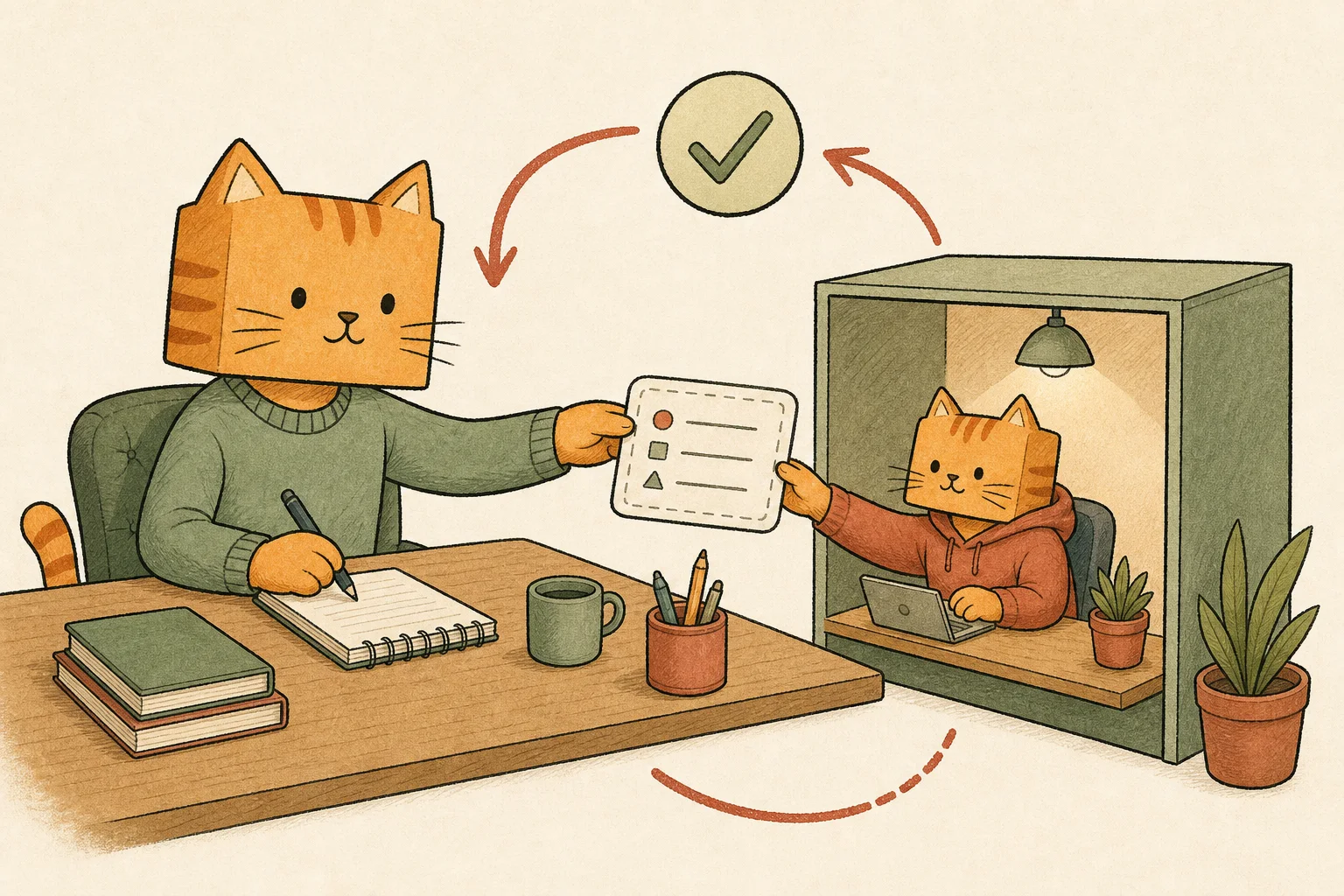
Treat the handoff like a small pull request: task in, diff and evidence out. The parent gives the worker a definition of done, then reviews the returned changes before deciding whether to merge them.
That pattern is the subject of my GPT-5.6 Luna Max subagent workflow. The boundary around the delegation matters more than the model brand.
Measure cost per completed task
Token price is only the first line on the bill. A useful cost model includes at least four terms:
completed-task cost = model calls
                    + retries
                    + tool and compute time
                    + human correction
The last two terms are easy to ignore because they do not appear in an API invoice. They still determine whether an automation saves time.
For image workflows, an accepted result also has to survive visual inspection. My GPT Image 2.5 prompt gallery applies that idea to exact lettering, scene constraints, and edits that should preserve the original image.
For a low-risk task with an automatic verifier, the cheaper call can still win. Add manual inspection to every failure, and the saving can disappear.
Track these values for a workflow rather than a model in isolation:
- cost per accepted result;
- median and worst-case duration;
- retry rate;
- percentage of outputs requiring human edits;
- failure modes that escape automated checks.
This also prevents a common SEO mistake: copying a vendor’s price table and calling it a cost analysis. Use prices alongside acceptance rate and review time when you set the routing rule.
Evaluate the work you actually do
Public benchmarks help me choose what to investigate. For a workflow, I still need a small evaluation built around the tasks it will run next month.
Start with a set of real task shapes, then remove any information that would leak the expected answer. Score mechanically wherever possible: tests, parsers, schema validation, file diffs, or exact constraints. Use blind human review only for the parts that cannot be judged mechanically.
Record more than a pass rate. Keep the prompt version, model version, effort setting, duration, cost, and failure reason. A model that passes 8 of 10 tasks may be acceptable if its failures are obvious and recoverable. The same score warrants caution when the failures look plausible and reach production.
For interface work, my Codex UI design prompts and tips apply this approach to three visual directions, a selected mockup, and browser checks of the working page.
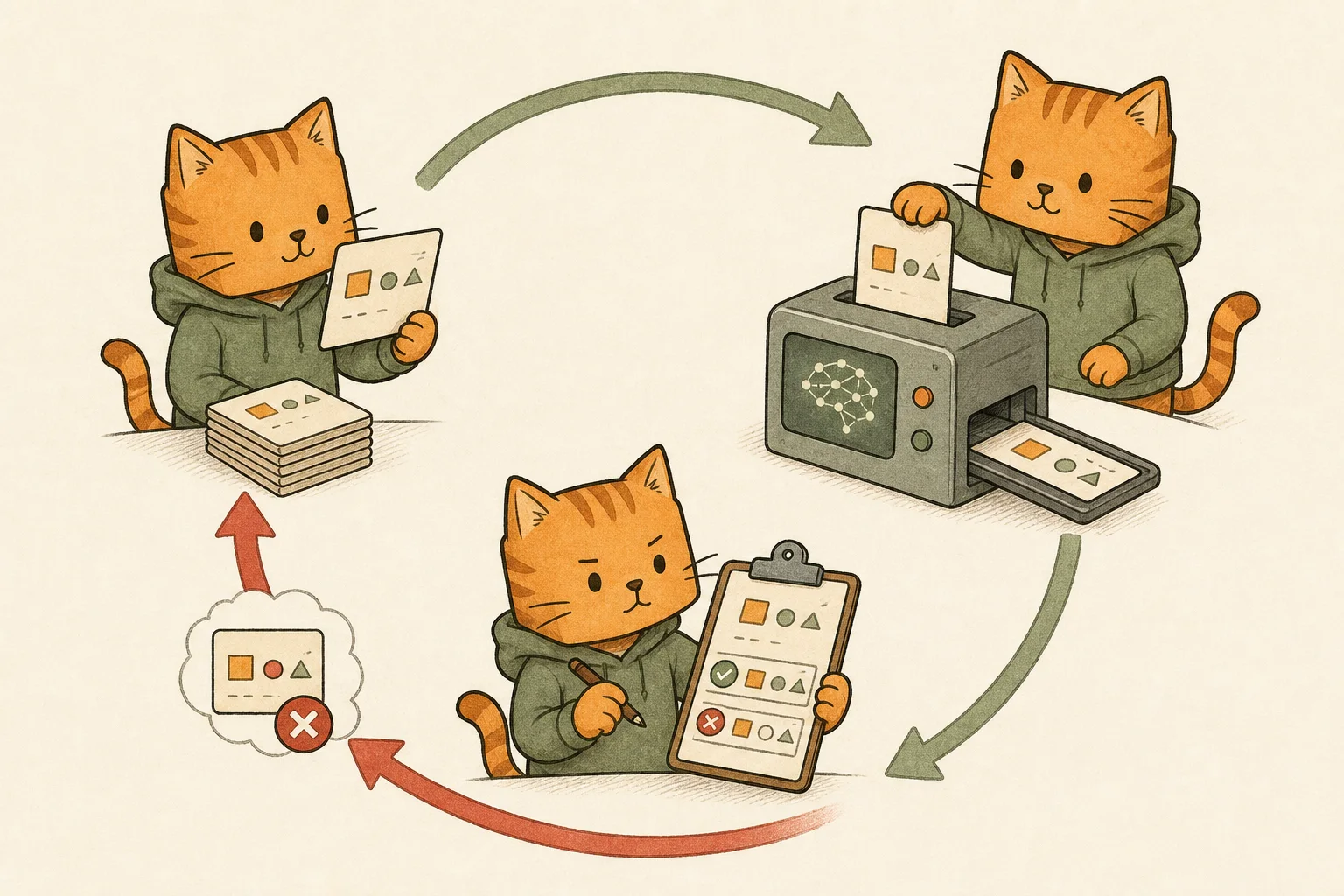
The evaluation should be a loop, not a launch ritual:
- Select a task sample.
- Run the workflow under a fixed configuration.
- Score the output with tests and review.
- Classify failures rather than hiding them in an average.
- Change one part of the workflow.
- Run the sample again and keep the comparison.
How to build a custom LLM evaluation covers the mechanics in more detail. Keep the test setup and its limitations next to the score so the number stays interpretable.
Run practical experiments, not endless demos
The final pillar is experimentation. A practical experiment has a question, a fixed scope, and a stopping rule.
Good questions look like these:
- Does a cheaper worker reduce total cost when tests catch its first-pass mistakes? (I tested exactly that with DeepSeek V4 Flash paired with GPT-5.6 Luna.)
- Does a planner/worker split reduce review time for a repeatable repository task?
- Does increasing reasoning effort improve the specific failure mode we care about?
- Does a second model find mistakes the first model consistently misses?
Avoid changing the model, prompt, tools, and acceptance criteria at the same time. That makes a result entertaining but hard to learn from. Keep a small log with the date, configuration, task set, result, and one sentence about what changed.
This is also why a model should not be treated as a permanent default. My Sol Max versus xhigh test changed my view of the effort slider because more effort did not produce a reliably better result at every setting. Since then, I test the decision in front of me against the workload I actually have.
A small blueprint for your next workflow
When starting from scratch, use this sequence:
- Write one sentence describing the task and one sentence defining acceptance.
- Estimate the cost of a wrong result, including human review.
- Choose the least expensive model that can plausibly meet the acceptance bar.
- Give the agent only the tools, context, and files it needs.
- Add an automatic check before adding more model power.
- Run a small representative sample and log failures.
- Promote the workflow only after the evidence is better than the manual baseline.
The five pillars depend on one another. Without evaluation, model selection is guesswork; without boundaries, an agent can quietly widen the task. Cost analysis has to include human time, and an experiment needs a fixed question to teach you anything.
The point is a workflow that makes its tradeoffs visible, verifies the result, and can be improved when the underlying models change.