How Chinese Apps Detect Mobile VPNs: Signals and Limits
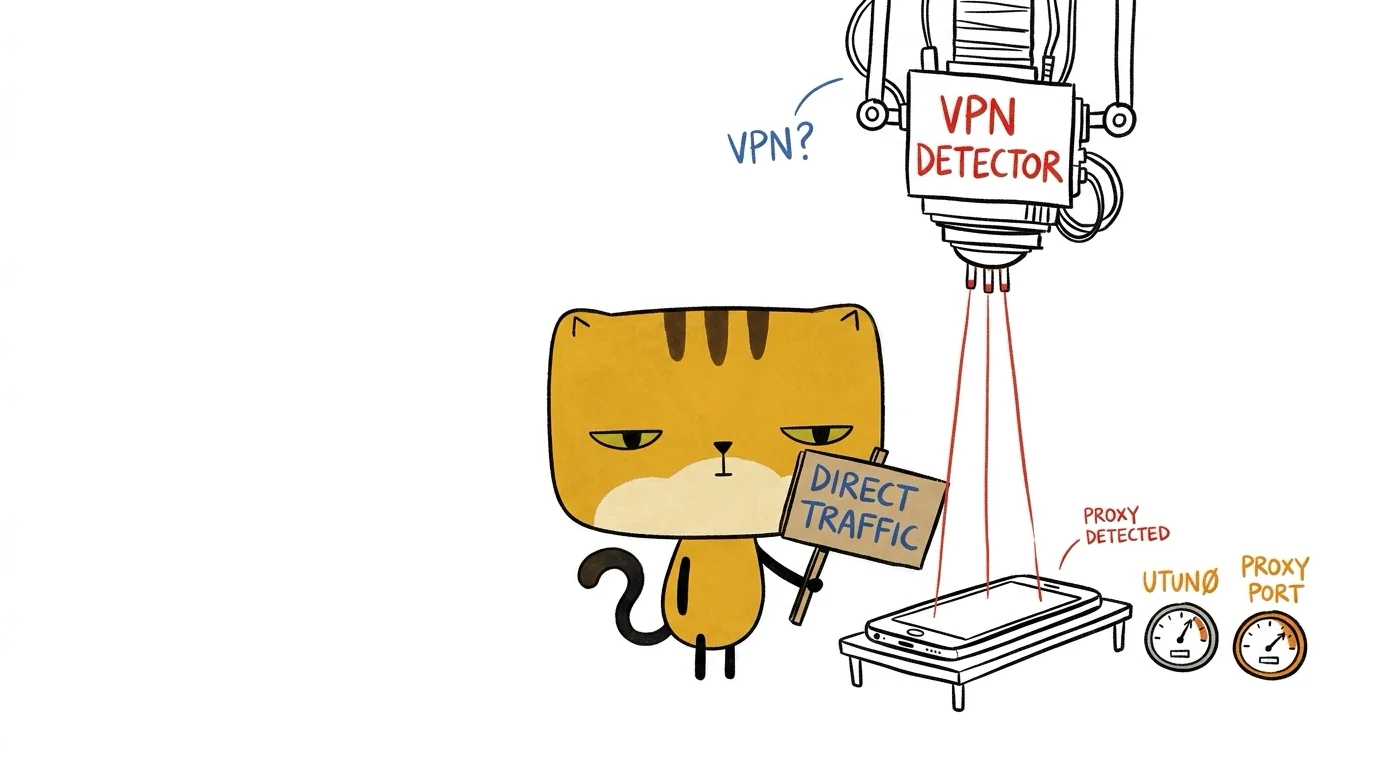
Chinese mobile apps can look for VPN-related signals in the operating system, proxy settings, DNS responses, and incoming network connections. An app failing while a VPN is active does not prove which check it used, or even that it detected the VPN. Routing mistakes and unavailable endpoints can produce the same symptom.
The useful distinction is between a documented technical capability and evidence that a particular app uses it. This article explains the former. My earlier version attributed detailed checks and penalties to named companies without publishing versioned research or measurements; I have removed those attributions.
Platform documentation checked October 3, 2026. These mechanisms are available in mobile software more broadly; the sources do not establish that every Chinese app uses them.
Which signals can reveal a VPN or proxy?
| Signal | What it can indicate | What it does not establish |
|---|---|---|
| System proxy settings | A configured systemwide proxy | That all traffic uses it |
| VPN network transport | A network represented as a VPN by the OS | Fraud or the user’s intent |
| Synthetic DNS responses | A resolver returning configured fake addresses | A particular vendor’s detection policy |
| Egress IP and location mismatch | Network exit and device location differ | That a VPN is the only explanation |
System proxy settings
Apple’s CFNetworkCopySystemProxySettings() exposes current systemwide internet proxy settings. Reading those settings can reveal a configured proxy. A packet tunnel is a different configuration, so the presence or absence of an HTTP proxy setting is not a complete VPN test.
A visible proxy configuration is also not evidence of abuse. It can be part of ordinary development, enterprise networking, or privacy protection.
VPN transport and interface signals
Android documents NetworkCapabilities.TRANSPORT_VPN, which identifies VPN transport. An app inspecting network capabilities can use that as a VPN-related signal. The capability identifies a network property; it does not explain why a subsequent business request failed.
Native interface inspection is another possible clue. Interface names such as tun or utun should be treated as heuristics, not a portable guarantee about the route every socket will take. The OS version and active network configuration matter.
DNS responses and Fake-IP behavior
Some proxy clients use synthetic DNS addresses as part of their routing. For example, mihomo’s DNS configuration documents Fake-IP mode, a configurable address range, and domain filters.
An application could compare a DNS response with the response it expects. A synthetic address may reveal resolver behavior. That is an architectural inference, not evidence that a specific company runs a secret canary test. Different configurations can also produce different results, so one address range is not a universal fingerprint.
How server-side signals differ from client checks
A service receives a connection from an egress IP. If it also receives authorized device-location information, it could compare the two. A large mismatch might be one input to a risk decision, alongside account activity and other signals.
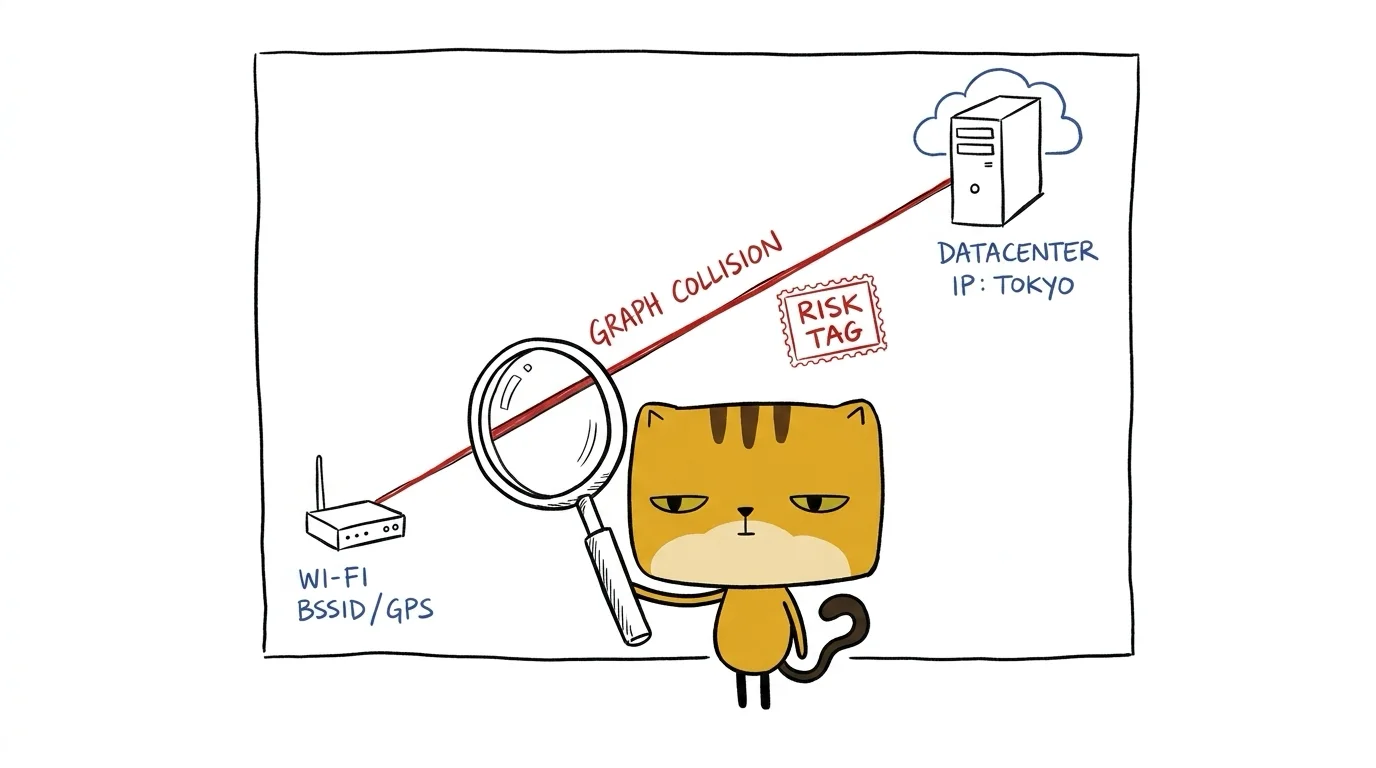
The graph is an illustration of that possible comparison, not a diagram of a named company’s backend. It does not establish that a graph database is required, how accurate the location is, or what penalty would follow. An IP-location mismatch alone is insufficient to identify a malicious user.
Can an Android app bypass the VPN with bindSocket?
Android’s Network.bindSocket() binds a socket to a selected network. Its existence does not mean every app can always escape an active VPN.
The Android VPN guide explains the conditions: a VPN can permit bypass, while the system’s option to block connections outside the VPN prevents that traffic. Per-app routing rules can also change which traffic enters the tunnel.
A traffic capture that misses one request therefore needs a routing explanation before a claim about deliberate evasion. Record the VPN configuration, selected network, and app version.
Why iOS and Android need different assumptions
Android filters installed-package queries for apps targeting Android 11 or later. Its package-visibility documentation contradicts the idea that any modern app can freely enumerate everything installed on a phone.
Apple’s iOS Wi-Fi API overview likewise explains that iOS has no general-purpose Wi-Fi scanning API. Specialized APIs have particular use cases and requirements. Do not assume an ordinary iOS app can silently scan every nearby router.

Permissions, entitlements, OS versions, and VPN policy constrain the evidence an app can collect. A technique observed on one platform should not be described as universal on the other.
How to investigate an app that fails with a VPN
Keep the account, device, app version, and requested action constant. Record the exact error, network type, VPN routing mode, DNS configuration, and time. Change one network variable at a time and check whether the failure repeats.
To attribute a mechanism to a named app, look for versioned code analysis, packet traces, or the vendor’s own documentation. An error message or an anecdote is a starting point for investigation, not proof of a hidden blacklist or a shared risk consortium.
Diagnose the failing network path before deciding that VPN detection caused it. A repeatable failure identifies a problem to investigate; evidence about the route or the app’s checks is still needed to explain the mechanism.