Astro Blog SEO Audit: What Actually Mattered
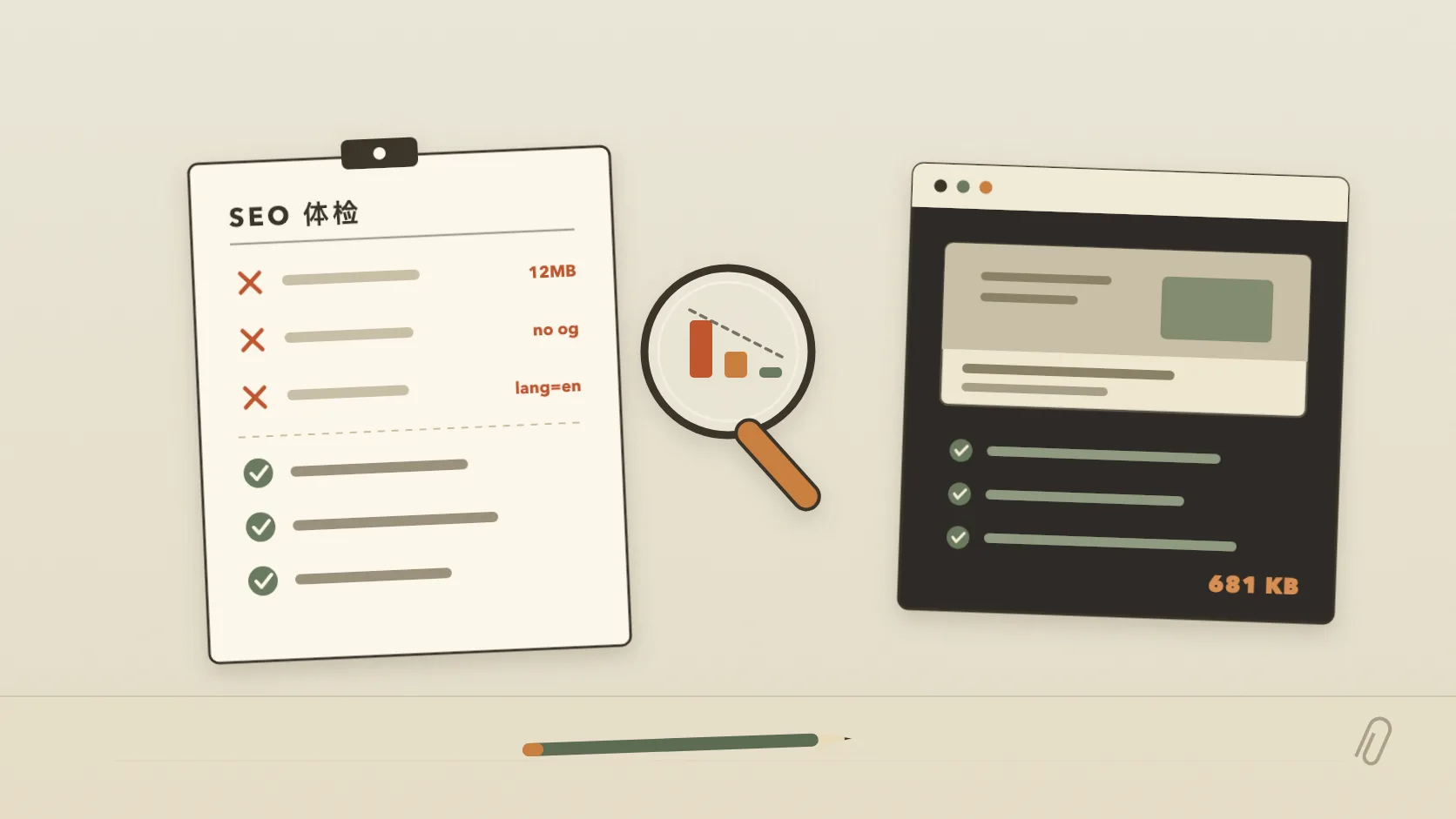
A few days after launching this Astro blog, I ran an SEO audit. I expected a lecture about keywords, backlinks, and content strategy. Instead, the audit found a much less glamorous problem: I had skipped several pieces of basic plumbing.
The posts existed. The pages loaded. But shared links had no images, the cover files were enormous, and search engines were getting inconsistent signals about the site’s URLs.
The fixes were simple, which made the lesson easier to see.
The three problems worth fixing first
1. Every shared post became a bare link
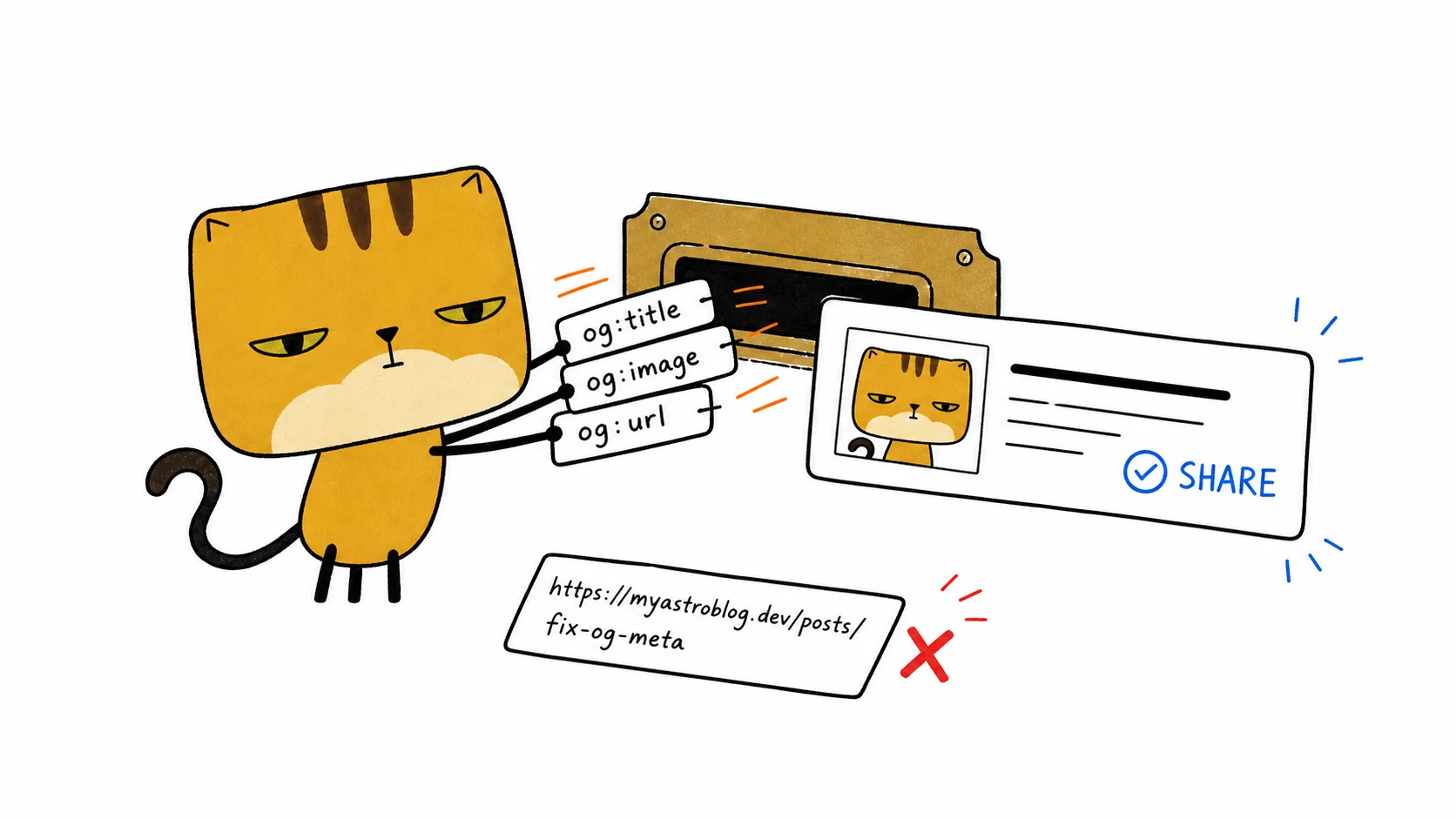
I had made a cover for every article, but the site emitted no Open Graph metadata. Sharing a post in Slack, iMessage, LinkedIn, or X produced a title and a plain URL. The artwork was already on the server. Social platforms simply had no instruction to use it.
For a small blog, the share card is often the first impression. A reader may see the preview in a conversation long before the page appears in search results.
The fix was to make the layout responsible for the metadata instead of repeating it in every article:
og:title,og:description,og:url, andog:image- Twitter’s large-image card fields
- a fallback image for pages without a custom cover
article:published_timefor posts
Now a post only needs a good title, description, and cover in its frontmatter. The layout handles the rest.
2. The image directory weighed 12 MB
The public/images/ directory contained 12,216 KB of images. The largest cover was 2,778 KB by itself.
That cover was also the first large element on the article page. On a phone, nearly three megabytes of artwork can dominate the initial load, regardless of how small the HTML is.
I exported the same illustration in three formats:
| Format | Size | Change |
|---|---|---|
| Original PNG | 2,778 KB | baseline |
| JPEG q82 | 516 KB | −81% |
| WebP q82 | 205 KB | −93% |
After converting every cover to WebP, the whole directory changed from this:
12,216 KB → 681 KB 95% smallerThe illustrations use flat colors and bold lines, so the visual difference was negligible at article size. The loading difference was not.
3. The discovery layer was incomplete
The site had pages, but several files and metadata fields that help other systems understand those pages were missing:
- sitemap.xml to enumerate canonical pages
- robots.txt to point crawlers toward the sitemap
- canonical URLs to identify the preferred version of each page
- JSON-LD to describe each post, its date, and its author
- RSS for readers and feed clients
- a deliberate home-page description instead of starter-template copy
A single omission rarely breaks a site. Several omissions make the site needlessly vague to search engines, social platforms, and feed readers. The archive and tags pages belong to the same layer: plain HTML lists that hand crawlers every page on the site.
Two fixes that nearly created new bugs
Adding metadata is easy. Keeping it internally consistent is where I made mistakes.
Canonical URLs disagreed with the sitemap
My first canonical URL omitted the trailing slash:
https://ohmyself.com/blog/fooThe sitemap and internal links used this version:
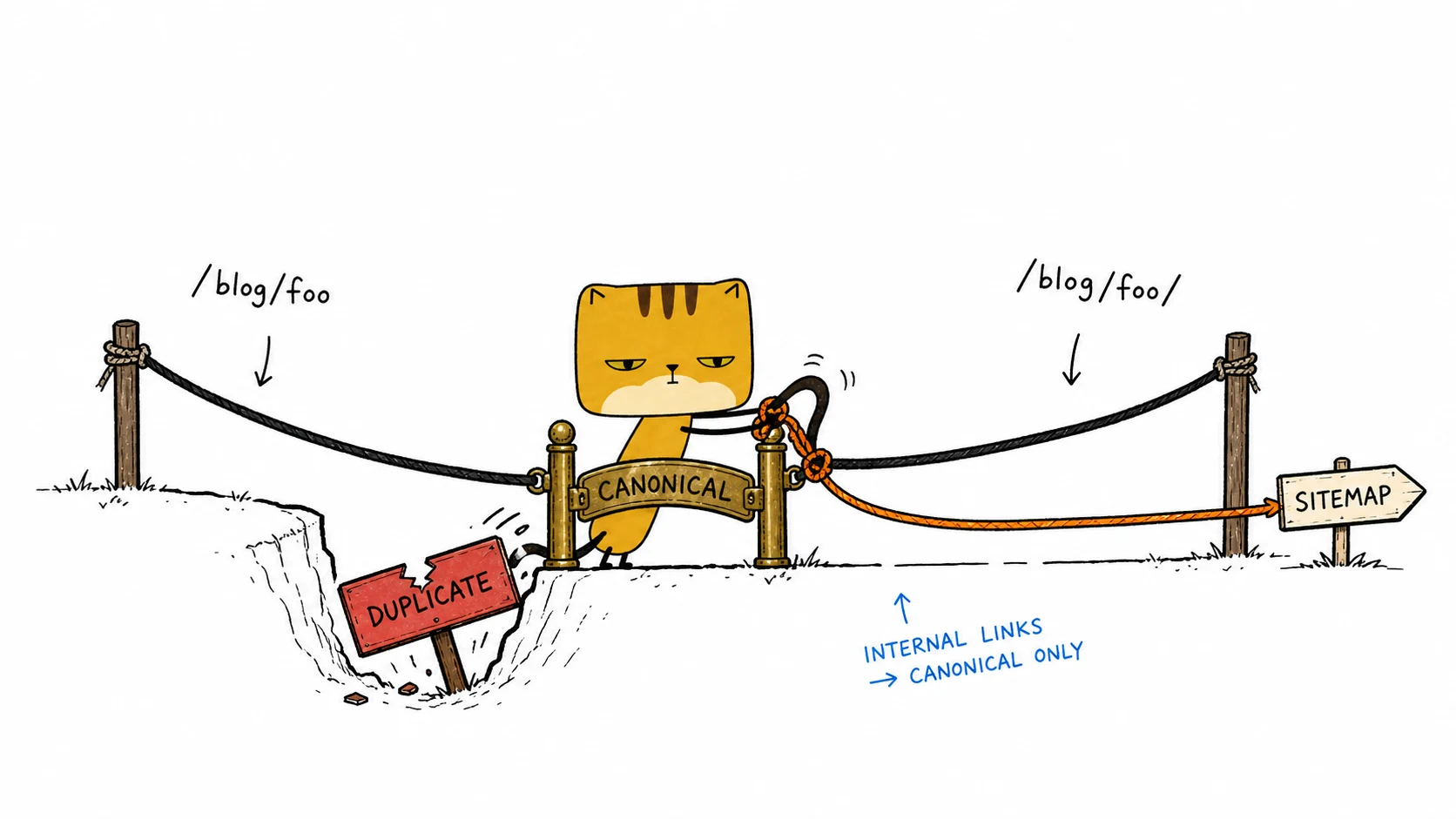
https://ohmyself.com/blog/foo/Both addresses may resolve to the same page, but publishing both forms creates avoidable ambiguity. The canonical tag is supposed to collapse duplicate URL variants. Mine introduced a second variant instead.
The fix was not another tag. It was one convention: canonical URLs, sitemap entries, redirects, and internal links all use trailing slashes. I also checked the built files, because a correct template means little if the generated output disagrees. That verify-the-output instinct later shaped how I build custom LLM evaluations.
Hard-coded image dimensions were sometimes false
Social metadata can include og:image:width and og:image:height. I initially hard-coded 1672×941, the size of the article covers.
Pages without a cover used a 1200×630 fallback image. The metadata was therefore wrong on part of the site.
I removed those two fields instead of publishing dimensions I could not guarantee. Incomplete metadata is better than false metadata.
Two small performance details
The format conversion saved the most space. Two build-time changes also made image loading more predictable.
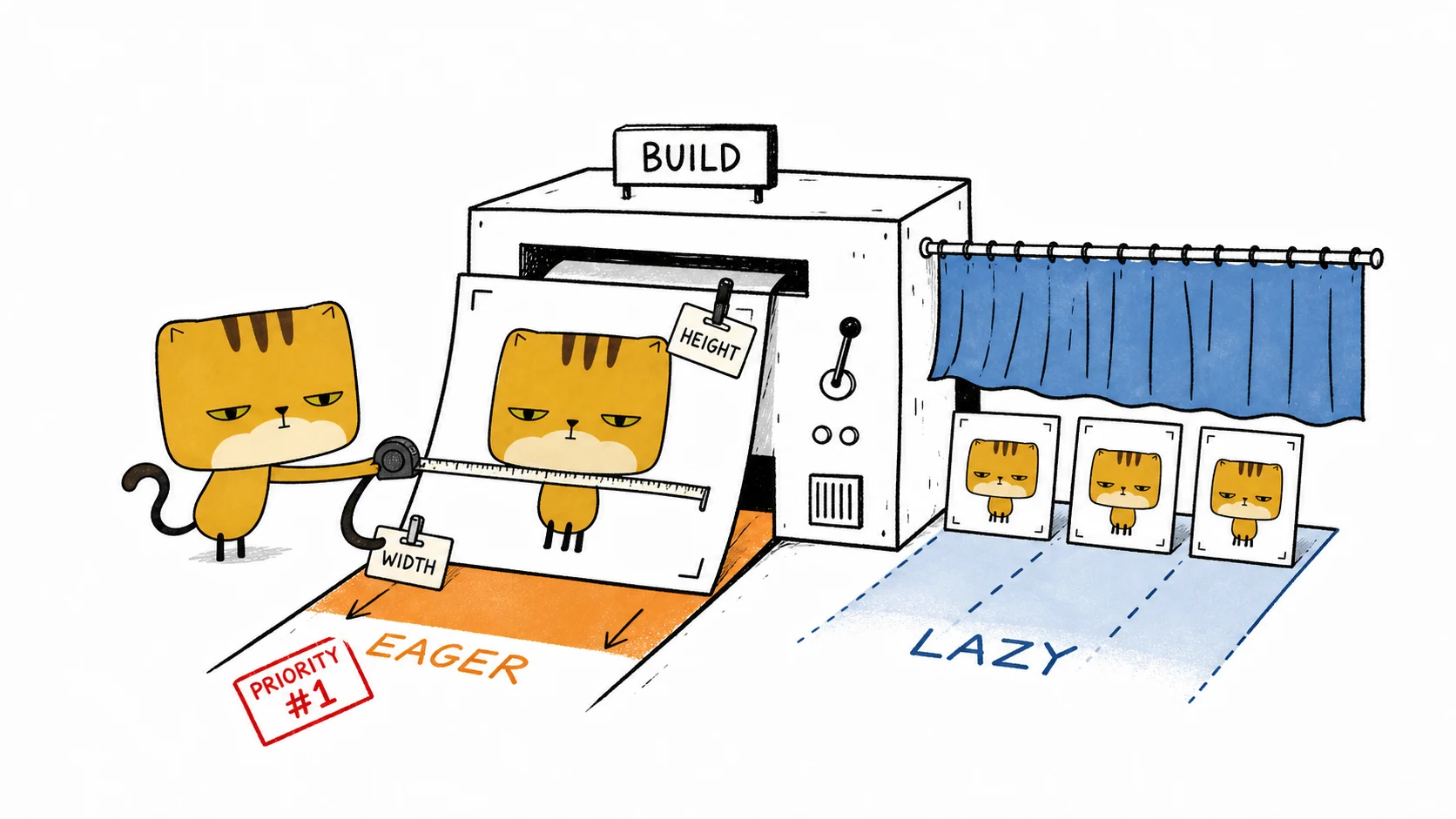
Add dimensions automatically. Markdown normally emits a bare <img>. Without width and height, the browser cannot reserve the right amount of space, so text may jump when an image arrives. A build plugin now reads each local image and inserts its dimensions.
Prioritize only the first image. The article cover gets loading="eager" and fetchpriority="high". Images farther down use loading="lazy". Applying lazy loading to every image would delay the one image the reader sees immediately.
Before and after
| Item | Before | After |
|---|---|---|
| Total image size | 12 MB | 681 KB |
| Shared-link preview | Title and URL only | Large image card |
| Canonical URLs | Missing | Site-wide and consistent |
| Sitemap / robots / RSS | Missing | Generated |
| Structured data | Missing | BlogPosting JSON-LD |
| Image dimensions | Missing | Added at build time |
| Cover loading | Default browser behavior | Eager with high priority |
Make the fixes difficult to undo
SEO plumbing tends to fail quietly. A template replacement, a new content type, or an unrelated refactor can remove a tag without causing a build error. The first warning may arrive months later when a shared link loses its image.
I recorded the invariants in AGENTS.md:
## The SEO lesson was structural
- Layout.astro emits canonical, Open Graph, Twitter Card, and JSON-LD metadata.
- Canonical and sitemap URLs always end with a trailing slash.
- Article images are WebP; a build plugin supplies width and height.
- Pages without a cover use og-default.webp.
I use the file as a guardrail for the next person or coding agent that changes the project.
A twenty-minute audit
If you maintain a static blog, start here:
- Share one article in a messaging app. If no image appears, inspect the Open Graph metadata.
- Measure the entire image directory and its largest file. Convert oversized covers before chasing smaller optimizations.
- Open the generated HTML and verify the title, description, canonical URL, and social-card fields.
- Visit
/sitemap.xml,/robots.txt, and/rss.xml. A 404 is an immediate answer. - Compare canonical URLs with sitemap entries and internal links, including trailing slashes.
- Check that fallback images and page-specific covers do not publish conflicting dimensions.
- Make sure the first meaningful image is prioritized and later images are lazy-loaded.
This audit did not produce an instant traffic graph, and I would not trust one after only a few hours. What it produced was more concrete: 95% less image data, reliable share cards, consistent URLs, and a site that clearly describes itself to the systems around it.